Wi-Fi Marketing and User Management
Cloud Computing Technology
SOME FEATURES:
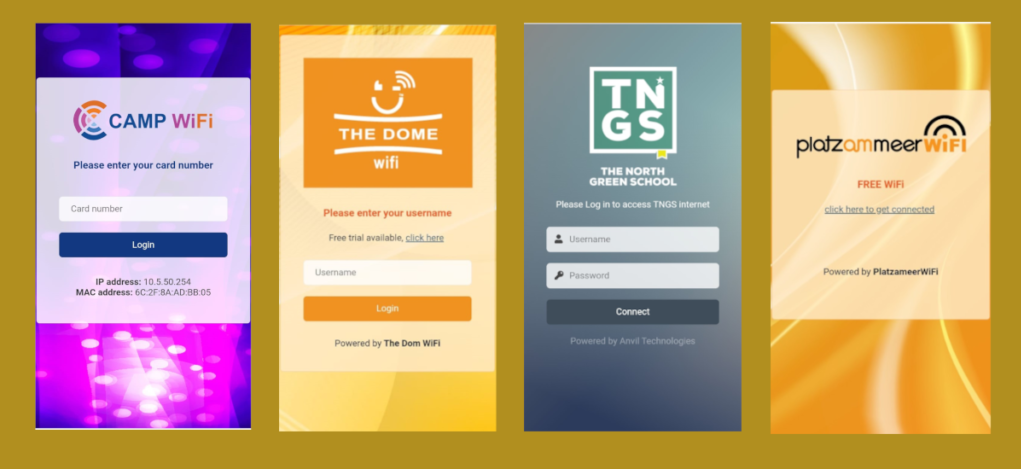
DISPLAY LOGIN PAGE FOR ADVERTISING
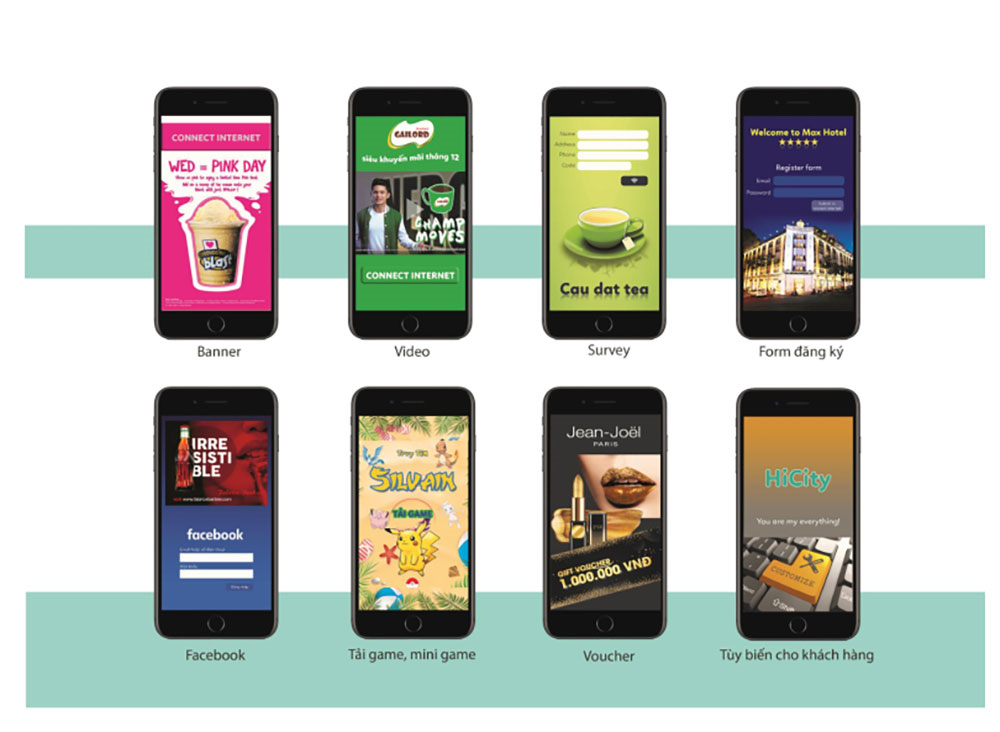
The display page for advertising is also known as the log-in page or welcome page. It includes advertising videos and applications integrated into the welcome page.
Allows administrators to set up a login page for users using a pre-made template, a custom HTML page, or redirect to a specified web server.
Allows redirection to the desired website after a successful login to the log-in page.
Allows setting a time limit for redirecting back to the advertising page.
Allows setting the duration for displaying the advertising page when it reappears.
BANNER + LOGO
Allows integration of multiple banners and logos from various advertisers.
Allows setting multiple banner display positions on the same welcome page.
Allows scheduling automatic ad display based on a predefined schedule. The banner will appear from the advertisers at the specified date and time.
VIDEO CLIP (Cloud Technology)
Allows inserting short video clips introducing the content to be advertised. The video clip will automatically display when connecting to Wi-Fi without needing to enter a video link.
Allows presetting the automatic video advertisement display time (based on a pre-built schedule. The video will play at the specified date and time).
Allows customizing the required viewing time for the user to watch the advertisement before proceeding to the login page.
Video clips can be inserted anywhere and at any time on the user’s display screen (this feature requires a content management server).
CUSTOMIZE TEMPLATE
Allows the administrator to create a welcome page in their own unique style.
The system offers various pre-made templates with diverse and rich content.
Allows customization of the welcome page based on available templates, such as replacing the logo, colors, background, banners, or inserting HTML and CSS code.
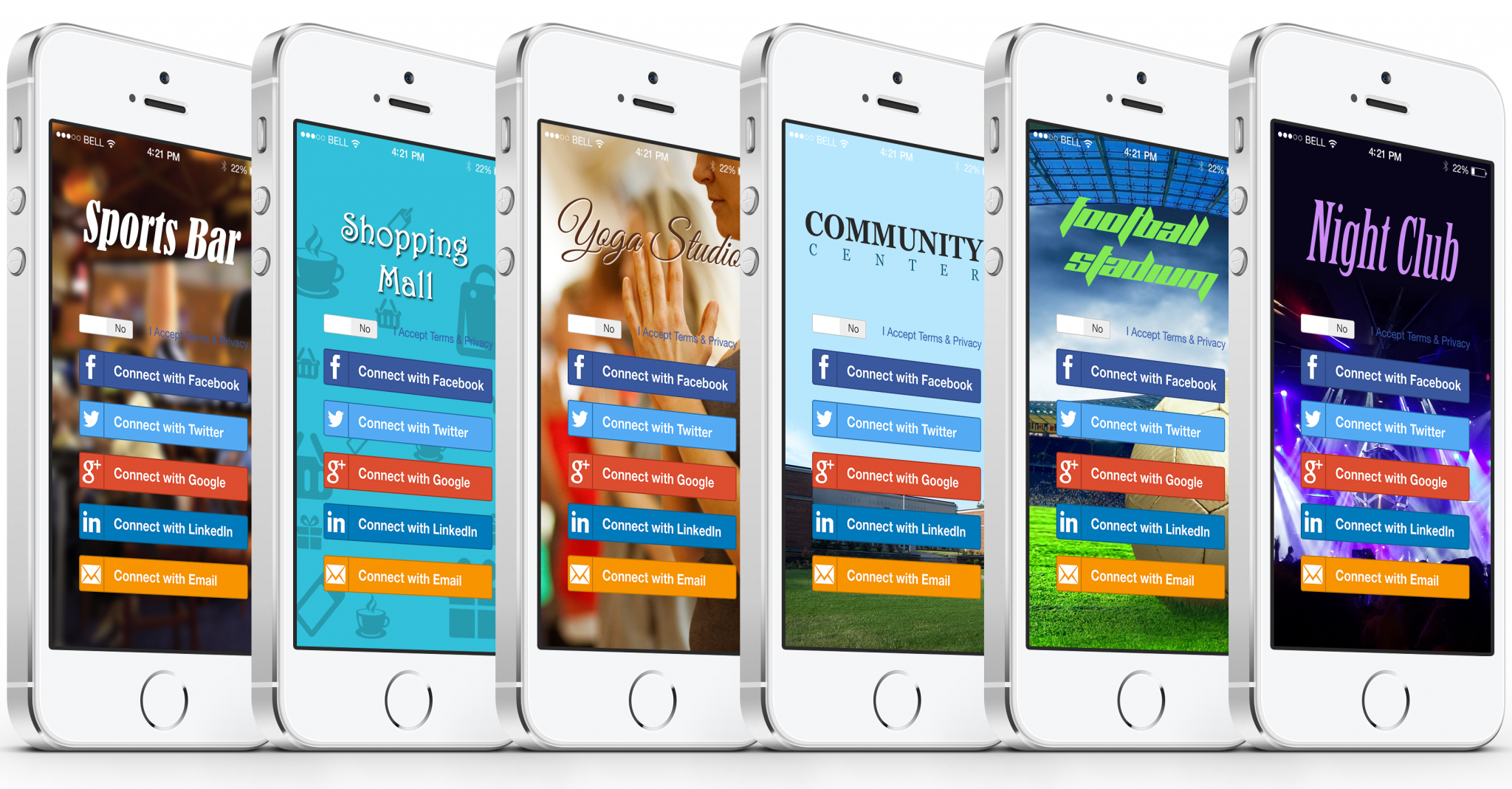
SUPPORT FOR MULTIPLE LOGIN METHODS
Simple login with just one click.
Social media login: Supports various social networks.
Users may be required to like or post content as requested by the administrator before accessing the internet.
Login by viewing an advertisement: Users must watch an advertisement video or view an ad image before using the internet.
Login with a previously registered account: Administrators can require users to provide personal details such as name, address, phone number, email, etc., before granting access to the internet.
Users must have at least one account to use the internet. Accounts can either be pre-created by the administrator or allow users to register themselves.
Login by providing some personal information, such as a specified email or a custom domain email.
Login via SMS: Users receive login details via SMS sent to a predefined phone number, with the system automatically sending back login information.
USER MANAGEMENT
Assign different access policies to each login account.
Set the validity period of an account.
Control download/upload speed when accessing the internet.
Limit the number of simultaneous connections using the same account.
Set the session duration, after which the user must log in again.
Define the allowed usage time per day, month, or year.
Set the total allowed usage time for an account.
Define the free trial period before the user needs to purchase.
Control the allowed traffic usage per day or month.
Set the total traffic the user is allowed to consume.
Define the total free traffic available for trial before purchase.
Automatically send email notifications to users about account expiration warnings.
Detailed usage statistics for user activity.
CREATE CARDS, VOUCHERS, AND PRINT ACCOUNTS
The process of creating cards and printing accounts is simple.
Create multiple cards and vouchers at once with random login information.
Customize the design of cards and vouchers.
Export accounts to PDF files and print them using a regular printer.
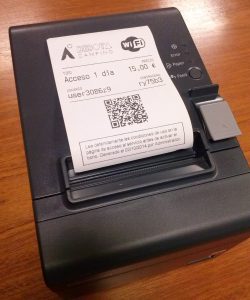
Directly connect to a specialized printer to create and print accounts.
DEPLOY WEB APPLICATION AT LOGIN PAGE
Allows integration of web applications to develop a rich information ecosystem and enhance the delivery of essential information, which is crucial for building a modern information promotion market via Wi-Fi signals.
Applications include: school information, electronic transcripts, electronic grade information, service applications.
Allows the design of web applications hosted locally.
Allows placing multiple applications on the same screen
Home Automation Energy Saving
Can be exported to PDF.
Detailed advertising statistics:
Number of clicks.
Number of ad impressions.
Detailed connection statistics:
Average working time per connection.
Connection hours.
Number of connections.
Number of daily connections.
Highest number of connections per hour.
Download/upload speed statistics by day.
Statistics on the number of accounts sold.
Detailed system statistics: CPU, RAM, etc.
User statistics:
Current number of connections.
Number of new user registrations.
Total traffic per user.
Browser used by users to access.
Device operating systems used by users.
Number of accounts logged in via social networks.
HOTSPOT FUNCTION - DISPLAY LOGIN PAGE FOR ADVERTISING
The advertising page is also known as the log-in page, welcome page, Flash page, Captive Portal, or wall-garden.
Allows administrators to set up the login page for users using a pre-built template or custom HTML page, or redirect to a specified web server.
Allows redirecting access to the desired webpage after successful login on the login page.
Allows setting a time interval for re-access to the advertising page.
Allows defining the duration for maintaining the display of the advertising page when it reappears.